Place order for Catering Pickup
This guide shows you how to let a customer place a Catering Pickup order — a large order for an event that the customer collects from the store at a scheduled time. See Order Types for the full list.
Note
The terms Catering Pickup and Catering Takeout are used interchangeably. The order type id is 11, and the API calls it Catering Take-Out.
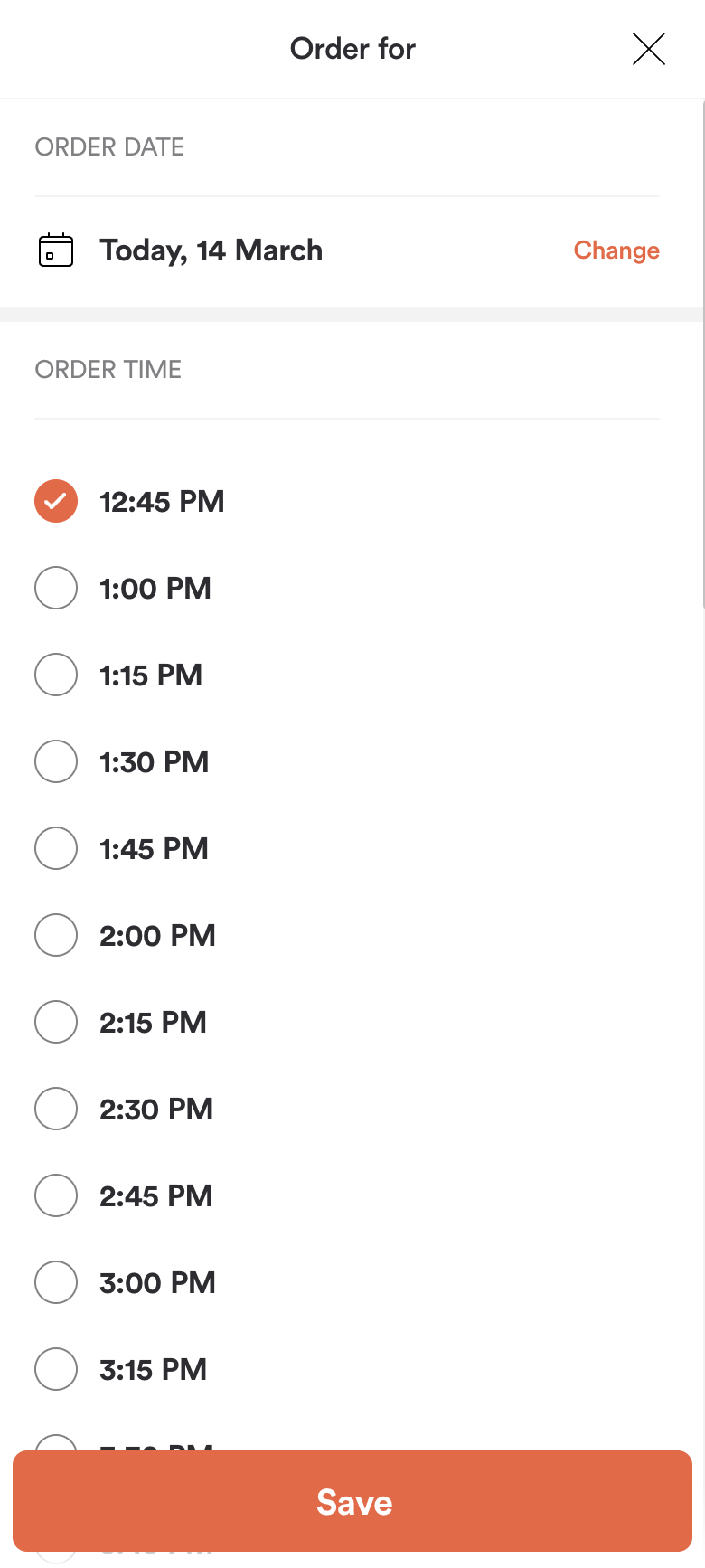
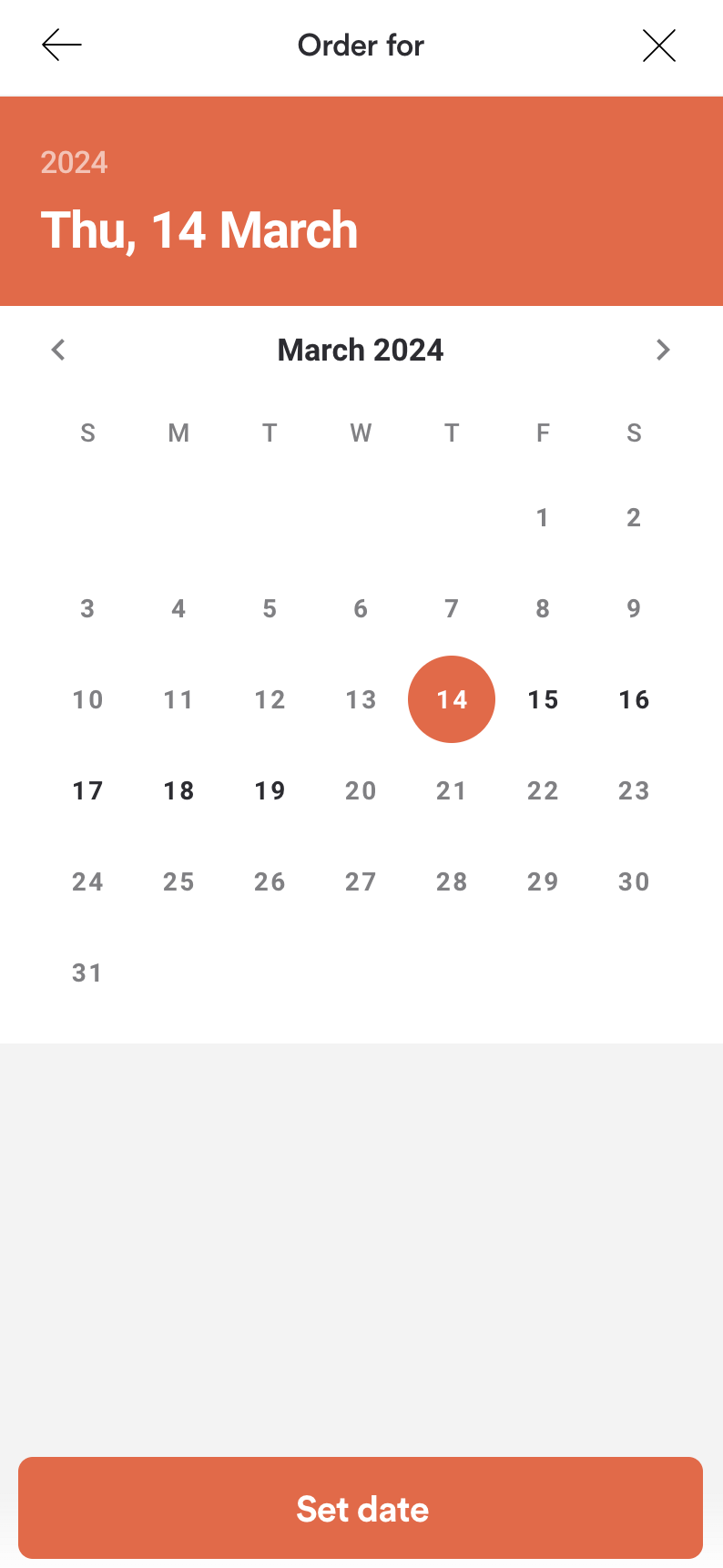
| Menu Screen with Pickup Time selected | Order Pickup Time Configuration | Scheduled order date selection |
|---|---|---|
 |
 |
 |
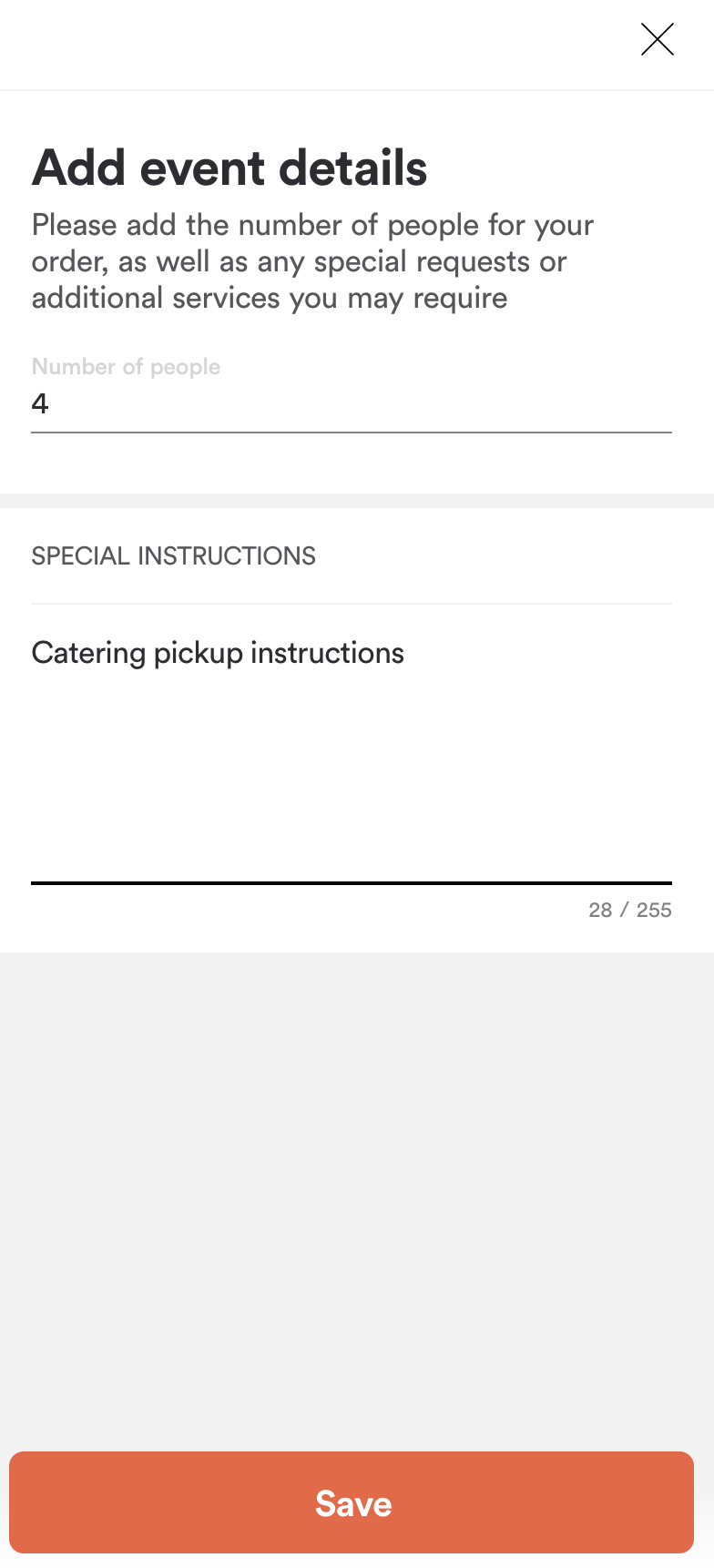
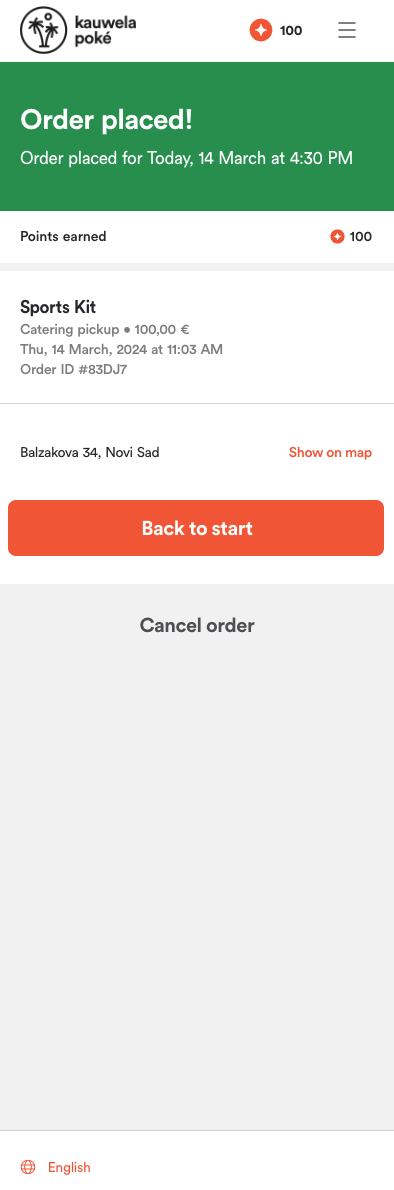
| Order summary | Catering pickup event details | Order placed |
|---|---|---|
 |
 |
 |
Before proceeding, you should have implemented:
How the flow works
Catering Pickup uses order type 11 and is built through the cart — Server Side Cart covers those calls.
It behaves like Takeout with two additions: the order carries details about the event, and it is always scheduled for a future time rather than ASAP. Expect these orders to be placed days ahead.
Tell the cart this is a Catering Pickup order
Set metadata.order_type.id to 11, use pickup_at with a specific collection time, and add a catering_info object.
In catering_info, number_of_people is required and must be at least 1. event_type and special_instructions are optional but worth offering — the headcount drives portioning, and the instructions are where the customer explains anything the store needs to know.
Request
{
  "method": "put",
  "url": "https://api-public-demo.menu.app/api/cart/{cart_id}",
  "headers": {
    "X-Request-ID": "69da3547-204b-4093-a225-54e084c24215",
    "Application": "f3a90488ffee32c3acb6fcd0ca417cf6",
    "Api-Version": "4.78.0",
    "Content-Type": "application/json"
  },
  "body": {
    "metadata": {
      "venue_id": "a9d6d0c8-1689-4114-b1ec-6da9c33f0384",
      "order_type": {
        "id": 11,
        "pickup_asap": false,
        "pickup_at": "2026-09-25 11:00:00",
        "catering_info": {
          "number_of_people": 25,
          "event_type": "Team offsite",
          "special_instructions": "Please pack serving utensils and napkins."
        }
      }
    },
    "cart": {
      "products": [
        {
          "price_id": "9a4e25be-9c32-4b69-81b7-19a4f3595406",
          "quantity": 6,
          "comment": "",
          "product_groups": []
        }
      ],
      "discounts": [],
      "tip": {
        "amount": 0,
        "type": 1
      }
    }
  }
}
Offer the customer a date and a time
Catering stores accept these orders only on certain days and with a lead time, so drive the UI from what we return rather than a free date picker.
Use Working Dates for the calendar — it tells you which dates the store takes Catering Pickup at all. Then use Orders Filtered Pickup Times for the slots available on the chosen date, passing it as in_advance_date. It takes a nested order_type.id and a singular_point_id rather than a venue_id — see Choosing a pickup or delivery time.
Catering fees are configured per brand and store. Read them from the venue and show them in the summary.
Check out, pay and place the order
Common to all order types — see Server Side Cart. Show the summary from the most recent cart response; catering totals are large and a stale figure is very visible.
What can go wrong
The headcount is missing. catering_info.number_of_people is required, and the order is rejected without it.
The pickup time is no longer available — HTTP 400, code 2001. Re-fetch the times for that date and let the customer choose again.
Catering Pickup is not enabled for the store — code 2025. Check the venue's order_types before showing the option.
Follow the order with order status webhooks. Because these orders are scheduled well ahead, they sit in SendDelayed until it is time for the kitchen to start — see Order Statuses.