Make a Payment
This guide shows you how to take payment for a cart and turn it into an order.
There is one payment flow, and it is the same for every processor. You initialize a payment on the cart, the response tells you what — if anything — your client has to do next, you do it, and then you create the order. Nothing about the processor is hard-coded in your client: the server names the URLs, the methods and the data, and your job is to follow them.
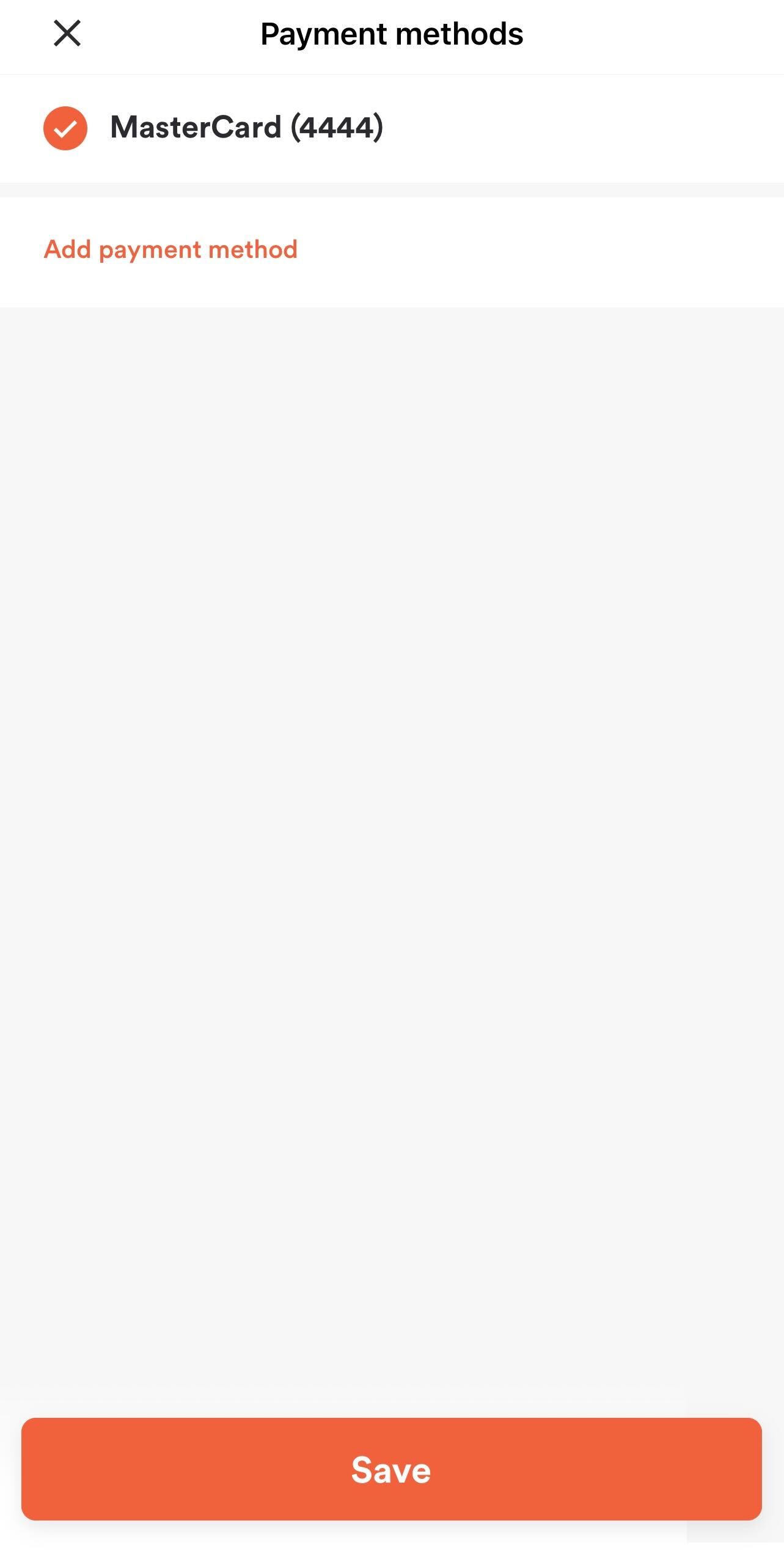
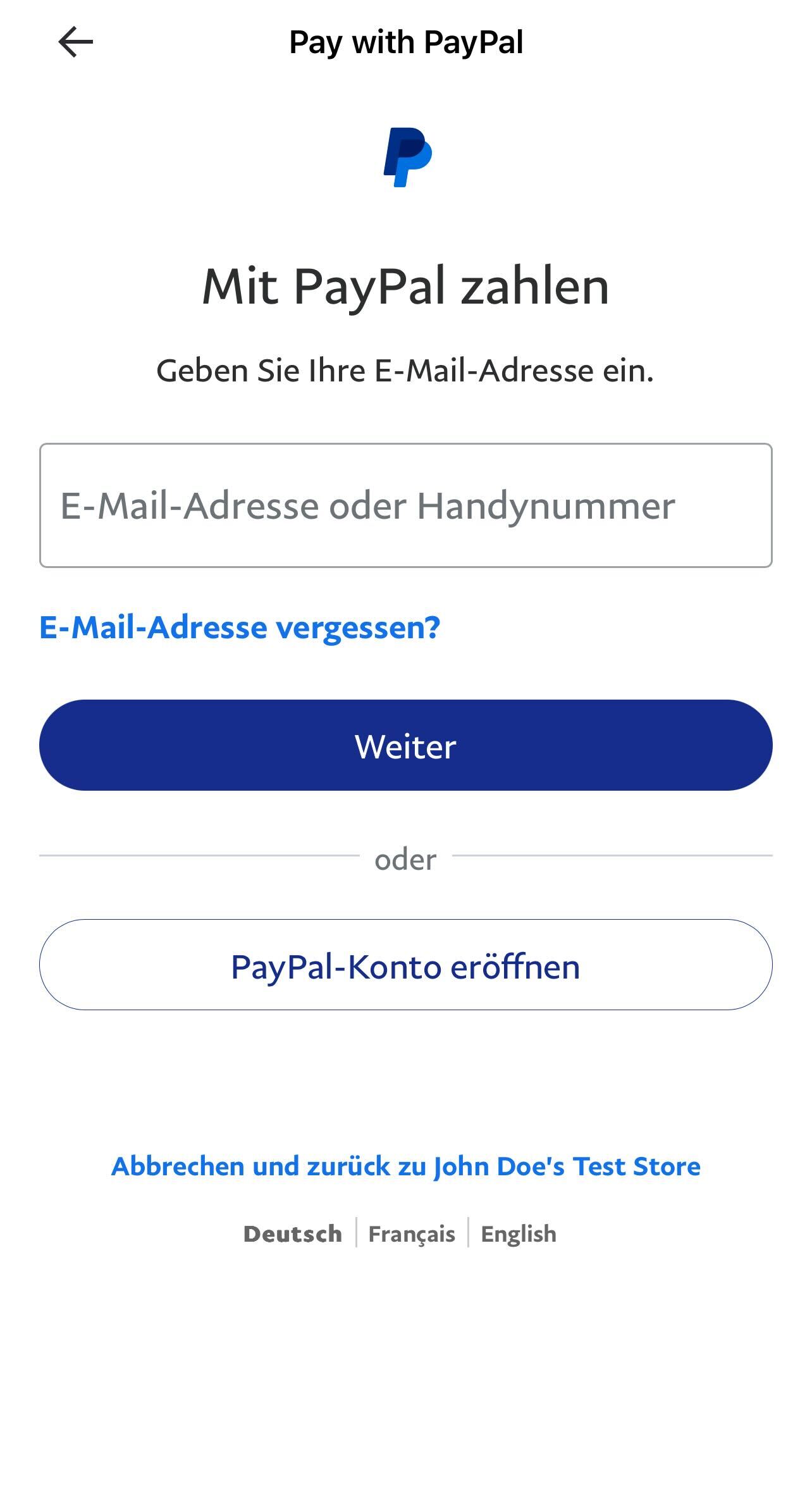
| Order Summary Screen with selected Payment Method | Payment Method Selection Screen | PayPal Web App |
|---|---|---|
 |
 |
 |
Before proceeding, you should have implemented:
How payment fits into the flow
Payment happens on the cart, between checkout and order creation:
- Check out the cart. This re-prices it against the POS and gives you the final total.
- Initialize payment on the cart. You say how the customer is paying and for how much; we reply with a
payment_init_hashand instructions. - Carry out the instructions — usually collecting card details in a hosted form, or authorising a wallet.
- Create the order, passing that hash.
The hash is what ties the payment to the order, which is why the order is created last. A cart that has not been checked out cannot be paid for, and if the cart changes after checkout you have to check out again before initializing payment.
Find out what the customer can pay with
Which payment methods are available depends on the brand, the store and the order type, so read them at runtime rather than hard-coding a list.
Init application returns the brand's payment_processors and available_payment_methods, each with the UUID you will need later. The venue response narrows that down to what the specific store accepts. See Payment Processors & Payment Methods for what the IDs mean.
Offer saved cards to signed-in customers
If the customer is signed in, show the cards they have saved rather than making them type them again.
Request
{
  "method": "get",
  "url": "https://api-public-demo.menu.app/api/customer-accounts/{customer_account_uuid}/stored-payment-methods",
  "headers": {
    "X-Request-ID": "69da3547-204b-4093-a225-54e084c24215",
    "Application": "f3a90488ffee32c3acb6fcd0ca417cf6",
    "Api-Version": "4.78.0",
    "Authorization": "Bearer {customer_account_token}"
  }
}
Store Payment Method covers how cards get saved in the first place.
Initialize the payment
Tell us how the customer is paying and for how much. Send either a payment_method_id for a one-off payment or a stored_payment_method_id for a saved card — never both — together with the amount in minor units. Take the amount from the summary of the checkout response so it always matches what the customer was shown.
Be careful not to confuse two similarly named fields. payment_method_id is the UUID of a specific method available at that store, as returned by init-application. payment_method_type_id is a small integer describing the kind of payment — 1 for a credit card, 7 for cash — and is not what this endpoint wants. Send the UUID.
Request
{
  "method": "post",
  "url": "https://api-public-demo.menu.app/api/cart/{cart_id}/payments/init",
  "headers": {
    "X-Request-ID": "69da3547-204b-4093-a225-54e084c24215",
    "Application": "f3a90488ffee32c3acb6fcd0ca417cf6",
    "Api-Version": "4.78.0",
    "Device-UUID": "b6f0a5f2-2f1e-4a3c-9a1e-2c4c9f0d7f11",
    "Content-Type": "application/json"
  },
  "body": {
    "payment_info": {
      "payment_method_id": "0d6b5a4e-3f23-11ed-936c-1a67b454859d",
      "amount": 1094
    }
  }
}
Response
{
  "status": "OK",
  "code": 200,
  "data": {
    "payment_init_hash": "032878b199f90e13e1bdce036e00f157",
    "payment_method_id": "0d6b5a4e-3f23-11ed-936c-1a67b454859d",
    "payment_processor_type_id": 32,
    "amount": 1094,
    "is_deposit": false,
    "allows_webhooks": false,
    "expires_in": 1799,
    "status_polling_interval": 5,
    "additional_info": {
      "merchant_id": "merchant.com.example.brand",
      "sessionId": "306805926262550654066895041517",
      "requestId": "82f86d9a-c772-42c6-9b92-f37438490b62",
      "amount": "10.94",
      "currency": "USD",
      "country": "US"
    },
    "actions": [
      {
        "type": "auth",
        "url": "https://api-public-demo.menu.app/api/payment-processors/auth-payment?mt_application_id=137&mt_payment_processor_id=56",
        "method": "POST"
      }
    ]
  }
}
Every processor returns this same envelope. Only additional_info, actions and config differ.
| Attribute | Type | Example Value | Description |
|---|---|---|---|
payment_init_hash |
string | "032878b199f90e13e1bdce036e00f157" |
Identifies this payment. Carry it to order creation. There is no id field |
payment_method_id |
string | "0d6b5a4e-3f23-11ed-936c-1a67b454859d" |
UUID of the method the payment was initialized with |
payment_processor_type_id |
id | 32 |
Which processor is handling it — see Payment Processors & Payment Methods. Branch your client on this, not on brand configuration you cached earlier |
amount |
int | 1094 |
Amount in minor units, echoed back |
is_deposit |
bool | false |
true when this is a catering deposit rather than the full balance |
allows_webhooks |
bool | false |
Whether the processor can complete the order through a webhook instead of your order call |
expires_in |
int | 1799 |
Seconds the initialization stays valid. Create the order before it lapses |
status_polling_interval |
int | 5 |
Suggested seconds between status checks, where the processor supports them |
additional_info |
object | null | Processor-specific session data. null for saved cards, cash and house accounts |
|
actions |
array[Action] | What your client must do next. Absent when there is nothing to do | |
config |
array[object] | Processor-specific client configuration. Present only for a few legacy processors |
Follow the actions
actions is the part that makes this one flow instead of many. Each entry tells you a type, a url and usually a method; you perform them in order and then continue to order creation. The URL is fully formed, including the query parameters the processor needs — use it as given, never rebuild it.
| Type | What it means |
|---|---|
redirect |
Load url in a WebView or iFrame. The page collects the card details and hands you back a one-time token |
auth |
POST to url to authorise a wallet session before the customer can confirm the payment |
computop_form |
POST the base64 params payload to url as a form. Computop only |
create_token, auth_token, payment_init |
Tokenisation steps used by a few legacy processors |
If actions is absent there is nothing to load or call. Saved cards, cash and house accounts go straight from initialization to order creation; a new gift card needs only your own form for the card number and PIN, which the PAR Pay guide describes.
Redirect: collecting card details
For a card the customer has not saved, the action points at a PAR Ordering page that hosts the processor's card form. Load it, let the customer type their card, and read the result:
- Web — the page posts the token to the parent window:
window.top.postMessage("one-time-token=…"). - Mobile — the WebView is redirected to the success URL with the token in the query string,
?one-time-token=…, or to the fail URL with?error=….
Either way you end up with a one-time token, which you send as payment_info.one_time_token when you create the order. Full card numbers never touch your code or ours.
Do not post full card numbers to the PAR Ordering APIs. PANs go to the processor's hosted form, never through us. Gift card numbers are exempt — they are not PCI-regulated.
Auth: authorising a wallet
Apple Pay needs a merchant session before the payment sheet will accept a payment. When you start the sheet, your platform gives you a validation URL; post it to the auth action — POST /payment-processors/auth-payment — together with the hash:
{
  "method": "post",
  "url": "https://api-public-demo.menu.app/api/payment-processors/auth-payment?mt_application_id=137&mt_payment_processor_id=56",
  "headers": {
    "X-Request-ID": "69da3547-204b-4093-a225-54e084c24215",
    "Application": "f3a90488ffee32c3acb6fcd0ca417cf6",
    "Api-Version": "4.78.0",
    "Content-Type": "application/json"
  },
  "body": {
    "payment_init_hash": "032878b199f90e13e1bdce036e00f157",
    "auth_info": {
      "verification_url": "https://apple-pay-gateway.apple.com/paymentservices/startSession",
      "initiative_context": "shop.example.com"
    }
  }
}
The response carries additional_info.session_object, a base64-encoded merchant session. Decode it and pass it to ApplePaySession.completeMerchantValidation(). The customer then confirms the payment as usual.
Read additional_info for your processor
additional_info is whatever session data that processor needs on the client. It is not a fixed schema, and it is null whenever the processor has nothing to hand over.
For PAR Pay, which is what new integrations use, the shape depends on what the customer chose:
| Scenario | additional_info |
actions |
|---|---|---|
| Saved card or saved gift card | null |
none |
| New card | null |
redirect to the hosted card form |
| Apple Pay | merchant_id, sessionId, requestId, amount, currency, country |
auth |
| Google Pay | merchant_id, gateway_merchant_id, google_merchant_id, google_merchant_name, sessionId, requestId |
none |
| New gift card | bin_ranges |
none |
| Cash, house account, zero amount | null |
none |
The PAR Pay guide explains each of these in detail.
Expiry, webhooks and polling
expires_in is a real deadline. It defaults to half an hour, but a processor can set a shorter one, so read the value rather than assuming it. If the customer abandons the payment sheet and comes back later, initialize again rather than reusing a stale hash.
allows_webhooks tells you who finishes the job. For every processor available to new integrations it is false, which means the order is created by your call to the order endpoint and the response to that call is the definitive result. A few legacy processors set it to true, meaning a processor webhook can complete the order behind you; status_polling_interval is the suggested cadence for checking on it. If you see allows_webhooks: true on an NMG brand, talk to your PAR representative before building against it.
Create the order
Pass the hash to the cart's order endpoint. This is the call that actually places the order with the store.
Request
{
  "method": "post",
  "url": "https://api-public-demo.menu.app/api/cart/{cart_id}/order",
  "headers": {
    "X-Request-ID": "69da3547-204b-4093-a225-54e084c24215",
    "Application": "f3a90488ffee32c3acb6fcd0ca417cf6",
    "Api-Version": "4.78.0",
    "Device-UUID": "b6f0a5f2-2f1e-4a3c-9a1e-2c4c9f0d7f11",
    "Content-Type": "application/json"
  },
  "body": {
    "customer_info": {
      "first_name": "Alex",
      "last_name": "Rivera",
      "email": "alex.rivera@example.com",
      "phone_number": "+13125550143"
    },
    "payment_info": {
      "payment_init_hash": "032878b199f90e13e1bdce036e00f157",
      "one_time_token": "30910032626134340597000708770932"
    }
  }
}
What belongs in payment_info depends on the path you took:
| Attribute | Type | When to send it |
|---|---|---|
payment_init_hash |
string | Always, whenever the cart has anything left to pay |
one_time_token |
string | After a redirect action handed you one — a new card, or a wallet collected through the processor's SDK |
gift_card_number |
string | Paying with a gift card the customer has not saved |
gift_card_code |
string | The gift card PIN, when the matching BIN range says pin_required |
additional_info |
object | Wallet payloads. See the PAR Pay guide for the exact key |
The order comes back under data.order. This call is idempotent on X-Request-ID, so if it times out, retry with the same request ID — you will get the original order back rather than creating a duplicate. This is the single most important thing to get right in a payment flow, because retrying with a fresh ID after a timeout is how customers end up charged twice.
Split a payment across two methods
Some brands let a customer pay with a gift card and then settle the remainder on a card. This is off by default; check is_split_payment_enabled on the brand in the init-application response before offering it.
Initialize each leg separately. The first is an ordinary initialization. The second names the first as its parent:
{
  "payment_info": {
    "payment_method_id": "0d6b5a4e-3f23-11ed-936c-1a67b454859d",
    "amount": 794,
    "split_payment_parent_hash": "032878b199f90e13e1bdce036e00f157"
  }
}
Then create the order with split_payment_info — a top-level array, not part of payment_info — listing the legs in the order you initialized them, each with its own hash and whatever extra fields that method needs:
{
  "split_payment_info": [
    { "payment_init_hash": "032878b199f90e13e1bdce036e00f157", "gift_card_number": "7888888811114321" },
    { "payment_init_hash": "9d8416985b57de4b93d87f7f88ef11da", "one_time_token": "30910032626134340597000708770932" }
  ]
}
At most four legs, and the amounts must add up exactly to the amount due. Split payments are not available on catering orders when the brand pre-authorizes catering payments.
Paying nothing
Not every order needs a payment. If a gift card, a house account or a discount covers the whole total, the cart will have nothing left to pay and you can go straight from checkout to order creation without initializing a payment. Check the cart summary rather than assuming a payment step is always required.
What can go wrong
The cart has not been checked out. Payment initialization is rejected. Check out first, and again after any change to the cart.
The amount is missing or wrong. payment_info.amount is required, and at order creation it has to equal the amount due. Take it from the latest checkout response rather than recalculating it.
Both method fields were sent. payment_method_id and stored_payment_method_id are mutually exclusive. Send one.
The payment was declined. Processor failures come back as code 3001, or 3005 for a proxied processor. 3010 means fraud screening rejected it. Show the customer a message and let them try another method — the cart is still intact, so they do not have to start over.
The payment method cannot be used. 3016 means the method is not supported for this store or order type, and 3020 means the processor token was invalid. Re-read the available methods and try again.
The phone number is missing or invalid — 2021 or 2022, raised at order creation. Validate before you get there.
See Error Codes for the full list.