Place order for Delivery
This guide shows you how to let a customer place a Delivery order, where the food is brought to an address they choose. See Order Types for the full list.
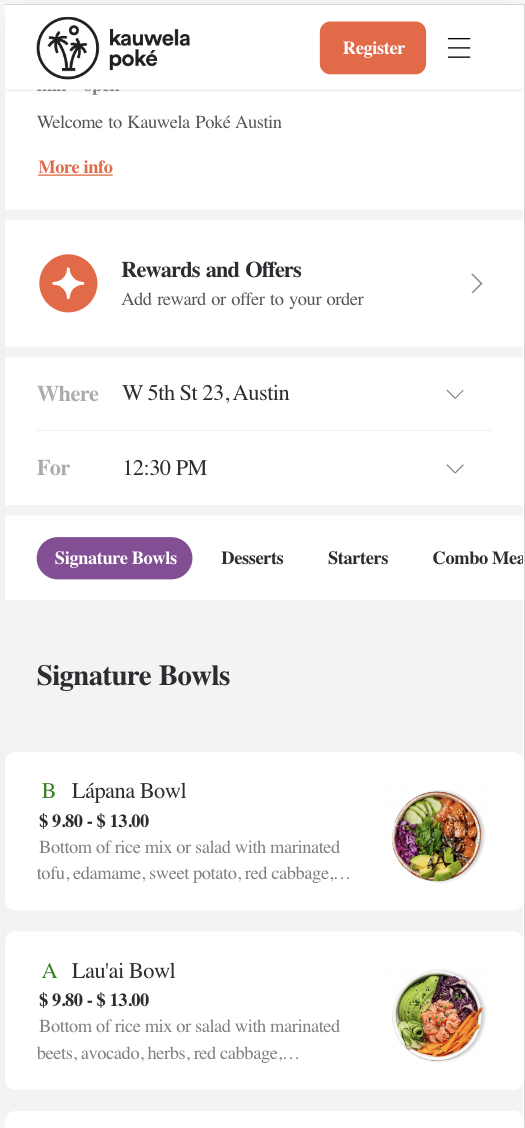
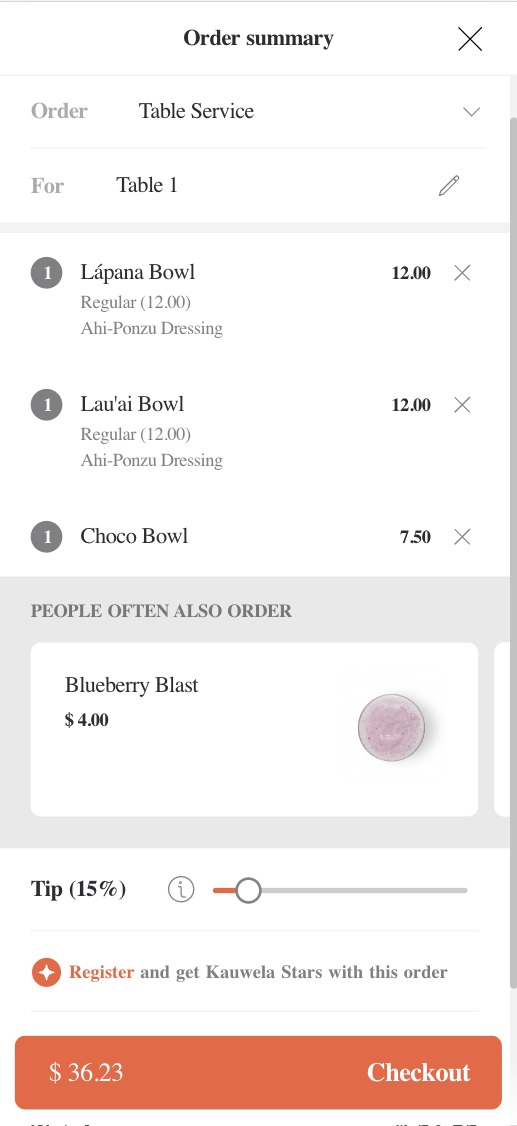
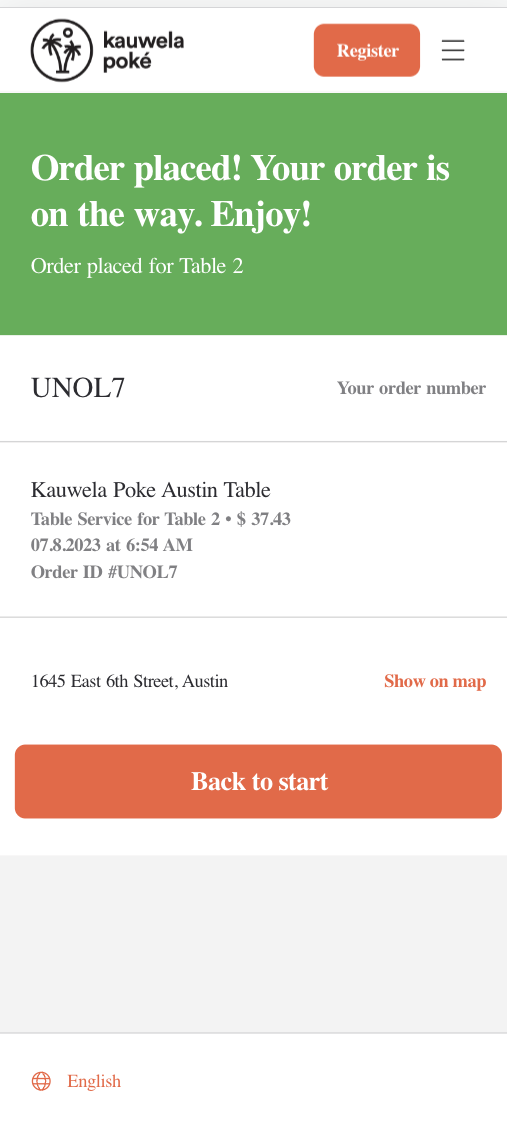
| Menu Screen with Delivery Times | Order Summary with Cross-Selling | Delivery Order Placed |
|---|---|---|
 |
 |
 |
Before proceeding, you should have implemented:
How the flow works
Delivery uses order type 7 and is built through the cart: create a cart, set the store, order type and delivery address, add items, check out, pay, place the order. Server Side Cart covers those calls in full; this page covers what delivery adds.
Delivery has one extra concern the pickup types do not: the address has to be deliverable from that store, and that can change. Which store can deliver where is decided during store selection, so do that first.
Tell the cart this is a Delivery order
Set metadata.order_type.id to 7 and include a delivery_info object with the destination. Four fields are required: latitude, longitude, street_name and formatted_address. Coordinates alone are not enough, and an address UUID from the customer's saved addresses is not a substitute — resolve the address to these fields before you send it.
Say when the customer wants it: delivery_asap: true, or delivery_at with a time formatted Y-m-d H:i:s in the venue's timezone. A customer_phone_number is also needed, since the driver has to be able to reach them.
Request
{
  "method": "put",
  "url": "https://api-public-demo.menu.app/api/cart/{cart_id}",
  "headers": {
    "X-Request-ID": "69da3547-204b-4093-a225-54e084c24215",
    "Application": "f3a90488ffee32c3acb6fcd0ca417cf6",
    "Api-Version": "4.78.0",
    "Content-Type": "application/json"
  },
  "body": {
    "metadata": {
      "venue_id": "a9d6d0c8-1689-4114-b1ec-6da9c33f0384",
      "order_type": {
        "id": 7,
        "delivery_asap": true,
        "customer_phone_number": "+13125550143",
        "delivery_info": {
          "latitude": 37.7737509,
          "longitude": -122.4135012,
          "street_name": "Brannan St",
          "street_number": "798",
          "formatted_address": "798 Brannan St, San Francisco, CA 94103, USA",
          "postcode": "94103",
          "locality": "San Francisco",
          "country": "United States"
        }
      }
    },
    "cart": {
      "products": [
        {
          "price_id": "9a4e25be-9c32-4b69-81b7-19a4f3595406",
          "quantity": 1,
          "comment": "",
          "product_groups": []
        }
      ],
      "discounts": [],
      "tip": {
        "amount": 0,
        "type": 1
      }
    }
  }
}
Offer the customer a delivery time
Orders Filtered Pickup Times returns the slots a store can deliver in. Send the delivery order type with the customer's coordinates on order_type.delivery_info, so the address is accounted for as well as the store. It takes a nested order_type.id and a singular_point_id rather than a venue_id — see Choosing a pickup or delivery time.
If the store is Dispatch-enabled — check has_delivery_integration on the venue — you can also ask Delivery Promise Create for an estimated delivery time and fee from the brand's own fleet or a third-party provider.
If the customer changes their address or their delivery time, re-check deliverability. The new address may be outside the store's coverage, in which case you need to start store selection again to find one that can deliver there — see the Delivery Store Selection flow.
Check out, pay and place the order
The rest is common to all order types and documented in Server Side Cart. One thing to watch: the delivery fee is part of the cart total and can change when the address or time changes, so always show the customer the summary from the most recent cart response rather than a figure you cached.
What can go wrong
The delivery time is no longer available — HTTP 400, code 2002. Re-fetch the delivery times and let the customer choose again.
Ordering is paused for the store — code 2003.
Delivery is not enabled for the store — code 2025.
The phone number is missing or invalid — code 2021 or 2022, raised when the order is created. Validate it before you get that far.
Once placed, follow the order with order status webhooks.