Place order for Dine-in (FS)
This guide shows you how to let a customer order from their table in a full-service venue. See Order Types for the full list.
Dine-in (FS) is for customers who are already in the restaurant, so it is ASAP only — there is no time to schedule.
| Menu Screen with Table Selected | Order Summary with Cross-Selling | Dine-in FS Order created Screen |
|---|---|---|
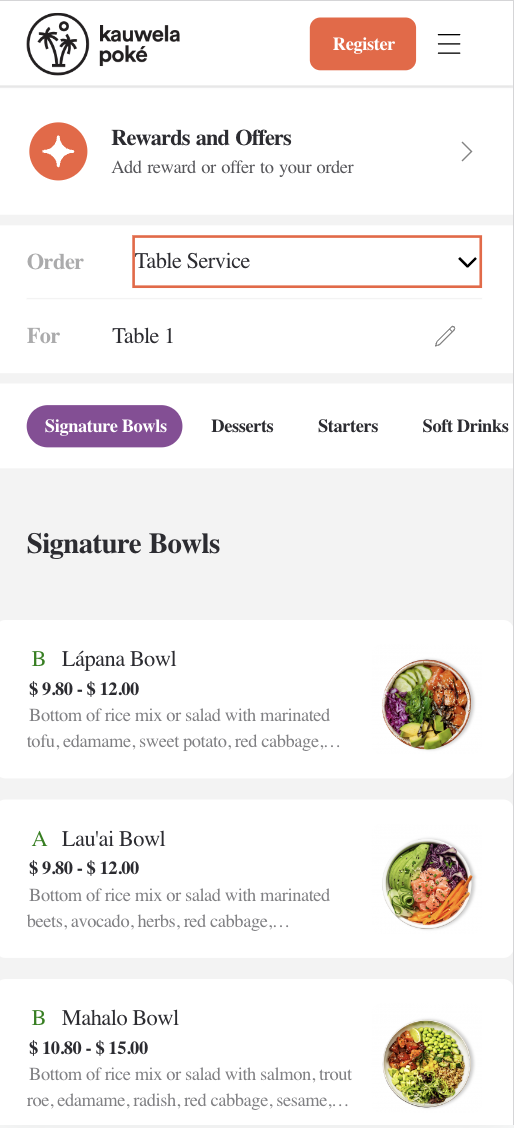 |
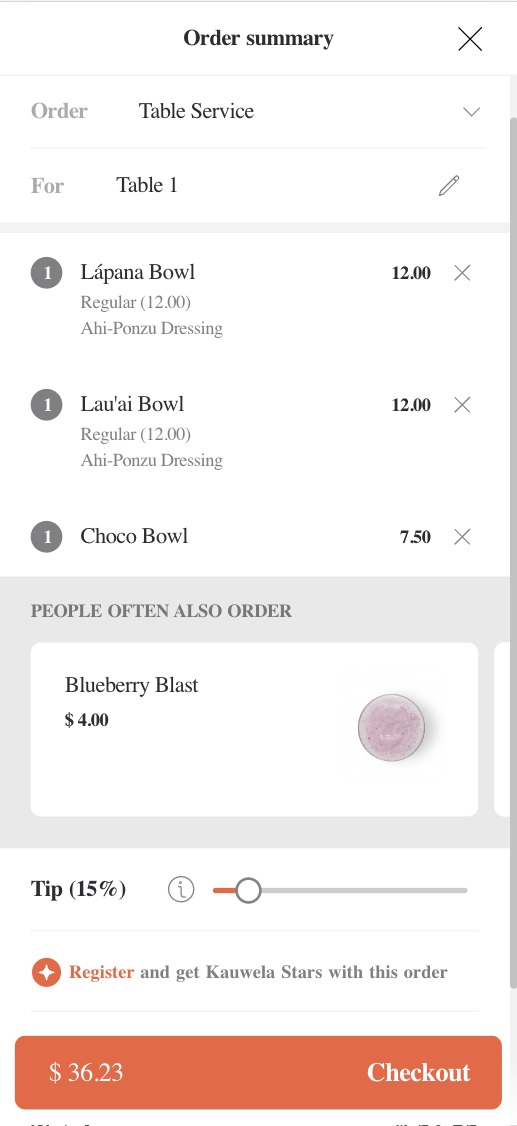 |
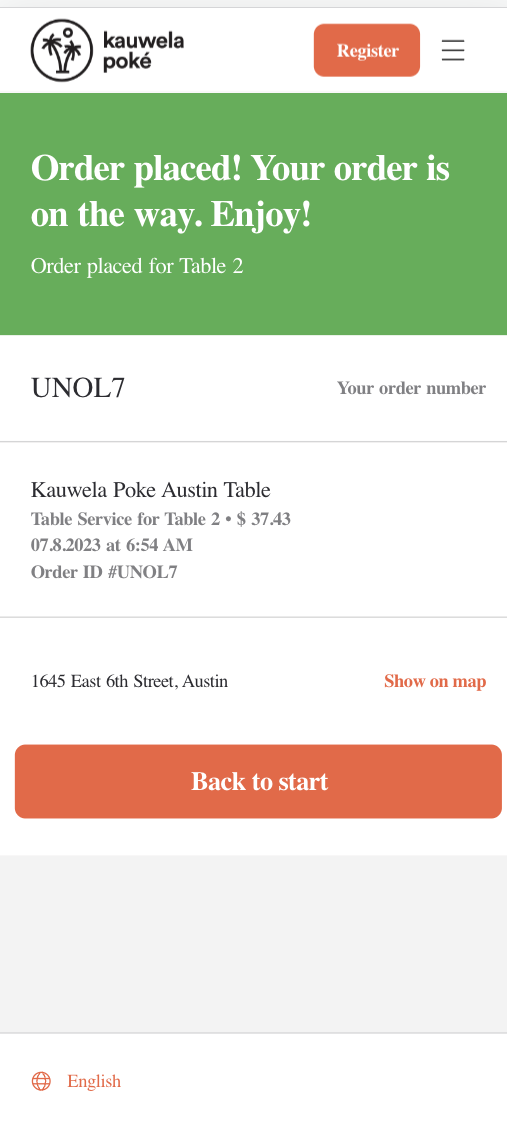 |
Before proceeding, you should have implemented:
How the flow works
Dine-in (FS) uses order type 1 and is built through the cart — Server Side Cart covers those calls. What makes it different is the table: the kitchen needs to know where to bring the food, so the order carries a table rather than a pickup time.
Customers usually reach this flow by scanning a QR code at the table, which is how your client learns which table it is.
Tell the cart this is a Dine-in (FS) order
Set metadata.order_type.id to 1 and put the table on metadata.order_type.table_id.
Tables belong to the venue's Full-Service area. Read the venue and look at its areas to find them — Full-Service is the one area type that carries configured tables, which is why it is the only order type that needs this field. See Areas for how areas are structured.
Request
{
  "method": "put",
  "url": "https://api-public-demo.menu.app/api/cart/{cart_id}",
  "headers": {
    "X-Request-ID": "69da3547-204b-4093-a225-54e084c24215",
    "Application": "f3a90488ffee32c3acb6fcd0ca417cf6",
    "Api-Version": "4.78.0",
    "Content-Type": "application/json"
  },
  "body": {
    "metadata": {
      "venue_id": "a9d6d0c8-1689-4114-b1ec-6da9c33f0384",
      "order_type": {
        "id": 1,
        "table_id": "db2f3288-63f4-4939-81f6-d0351bce9c70"
      }
    },
    "cart": {
      "products": [
        {
          "price_id": "9a4e25be-9c32-4b69-81b7-19a4f3595406",
          "quantity": 1,
          "comment": "",
          "product_groups": []
        }
      ],
      "discounts": [],
      "tip": {
        "amount": 0,
        "type": 1
      }
    }
  }
}
There is no pickup_at or pickup_asap on this order type — the order goes to the kitchen straight away.
If the customer moves table mid-meal, update the cart with the new table_id before checking out.
Check out, pay and place the order
Common to all order types — see Server Side Cart.
Full-service venues often let the customer run a tab across several orders rather than paying per round. That is a brand configuration rather than something you set on the cart, so follow whatever the venue returns as its available payment methods.
What can go wrong
The table is missing or does not belong to this venue. Make sure the table_id came from the venue you are ordering from — a table UUID from another store will be rejected.
Ordering is paused for the store — code 2003.
Dine-in (FS) is not enabled for the store — code 2025. Check the venue's order_types.
Follow the order with order status webhooks.